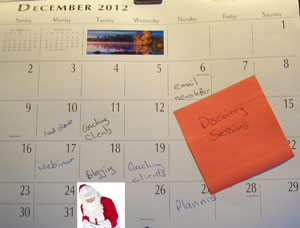

I suspect I'm not terribly different from most entrepreneurs. I've got a lot of balls that I'm trying to keep up in the air. Not only that, I continually get new ideas. Some of 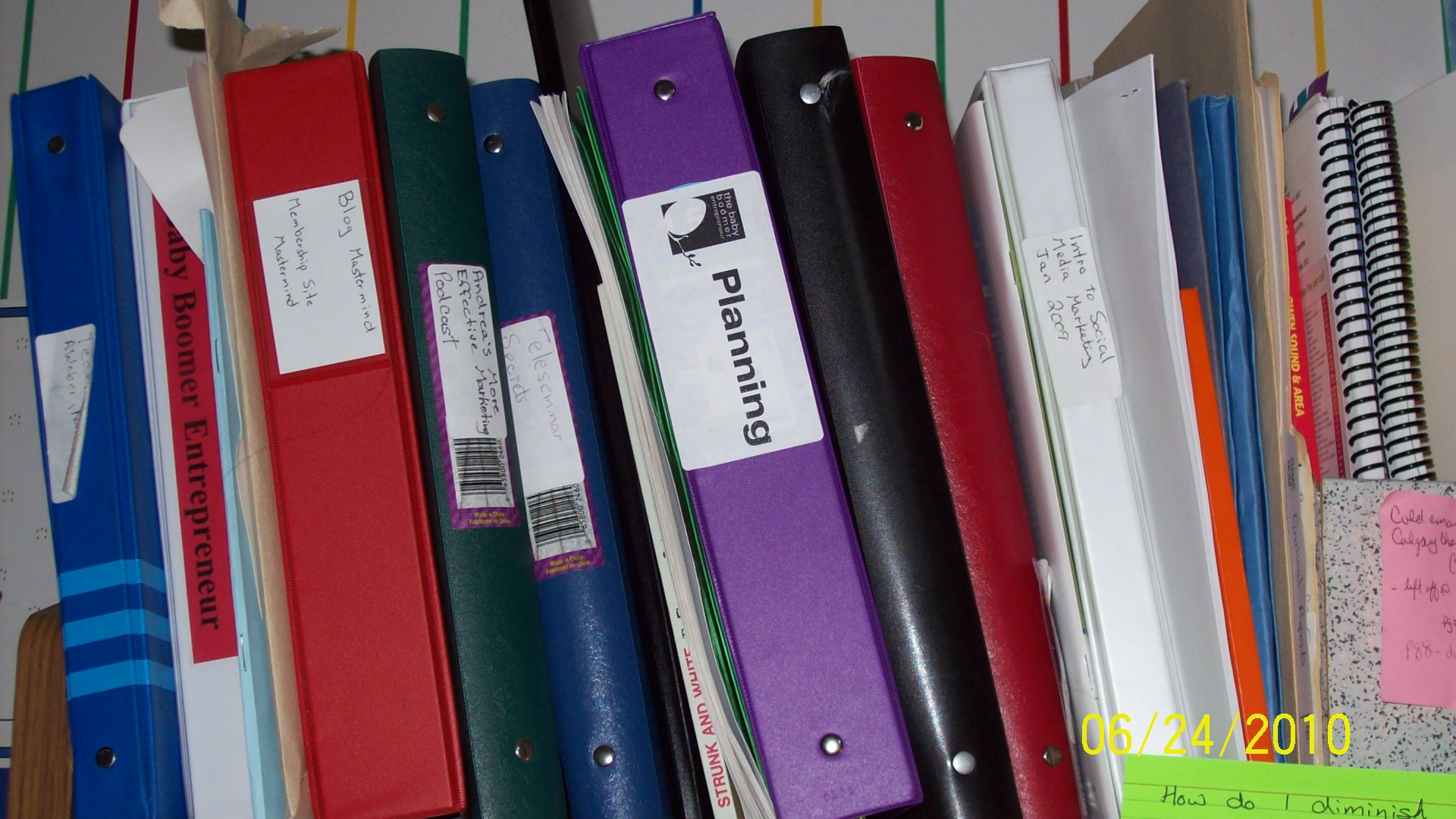 them are crap, but some of them are actually things that I plan to implement. I've tried a number of ways to keep my planning, my projects, and my new ideas organized.
One of the things I do is use binders. Each project has its own binder, as does planning. This has been a relatively useful way to keep track of ongoing work (when the labels don't fall off the binders).
New ideas were little harder to track. For a while I was doing the Post-it note method. Every time I got a new idea I'd write it on a Post-it note and stick it up on the wall next to my desk.
 This didn't work for two reasons. One, after a while the Post-it notes just became visual noise; I just didn't see them anymore. The second reason is the mental clutter they caused me. Although I can block out the content on the Post-it notes, I still knew they were there. Although I wasn't consciously aware of it, it was causing me constant stress.
I moved away from the Post-it notes to whiteboards. Now whenever a garden idea I could just write it on the whiteboard. The nice thing about the whiteboard is it's one continual surface so it's less visually cluttering than Post-its.
However, the whiteboard method isn't perfect either. It's great for recording an idea as it occurs to me, but what do I do later? Eventually the whiteboard gets full. I needed some way to deal with the ideas.
Then I thought about Microsoft OneNote. This is a software program that comes as part of Microsoft office. I knew it was part of the package but hadn't looked at it. Last week I decided to open it and take a look. I'm glad I did.
OneNote is designed for the entrepreneurial ADD brain. You can have different folders for different projects, and different pages in each folder. You're not stuck to writing 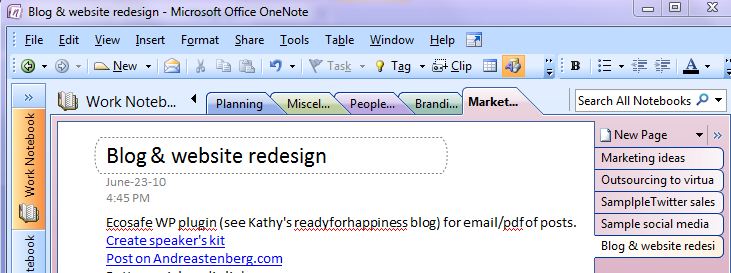 an orderly fashion as you would be in a word document; you can put notes anywhere on the page. You can import PDFs or JPEG's; you can even add audio. You can also hyperlink between different factions within OneNote.
This has been a really freeing tool for me since I started using it. I'm able to take pieces off my whiteboard that I want to implement, and create a kind of plan. As I get new information, new details, new action items to add to this plan, they're easy to add with OneNote.
When the things that held me back from using OneNote is the fact that I don't always do my planning and brainstorming sitting at my desk. In fact, I often find it is better for me to leave my office entirely when doing brainstorming. Additionally, I have both a desktop and a laptop machine. I was worried about not having my OneNote document on the correct machine.
Then I had a brainstorm. I've been using Dropbox to share documents with customers and colleagues. Why not use it to share my OneNote between computers?
That's what I've done. So now I'm using my whiteboard to record ideas that pop up when I'm in the middle of another task. Then, at a later time, I can take these ideas and add them to my OneNote document. Now I can access this document regardless of which computer I'm using. (If you'd like to see how to add OneNote to Dropbox read this blog post on RetroHack)
Andrea J. Stenberg
Have you been using OneNote in your business? Please leave a comment and tell us how you use this piece of software,